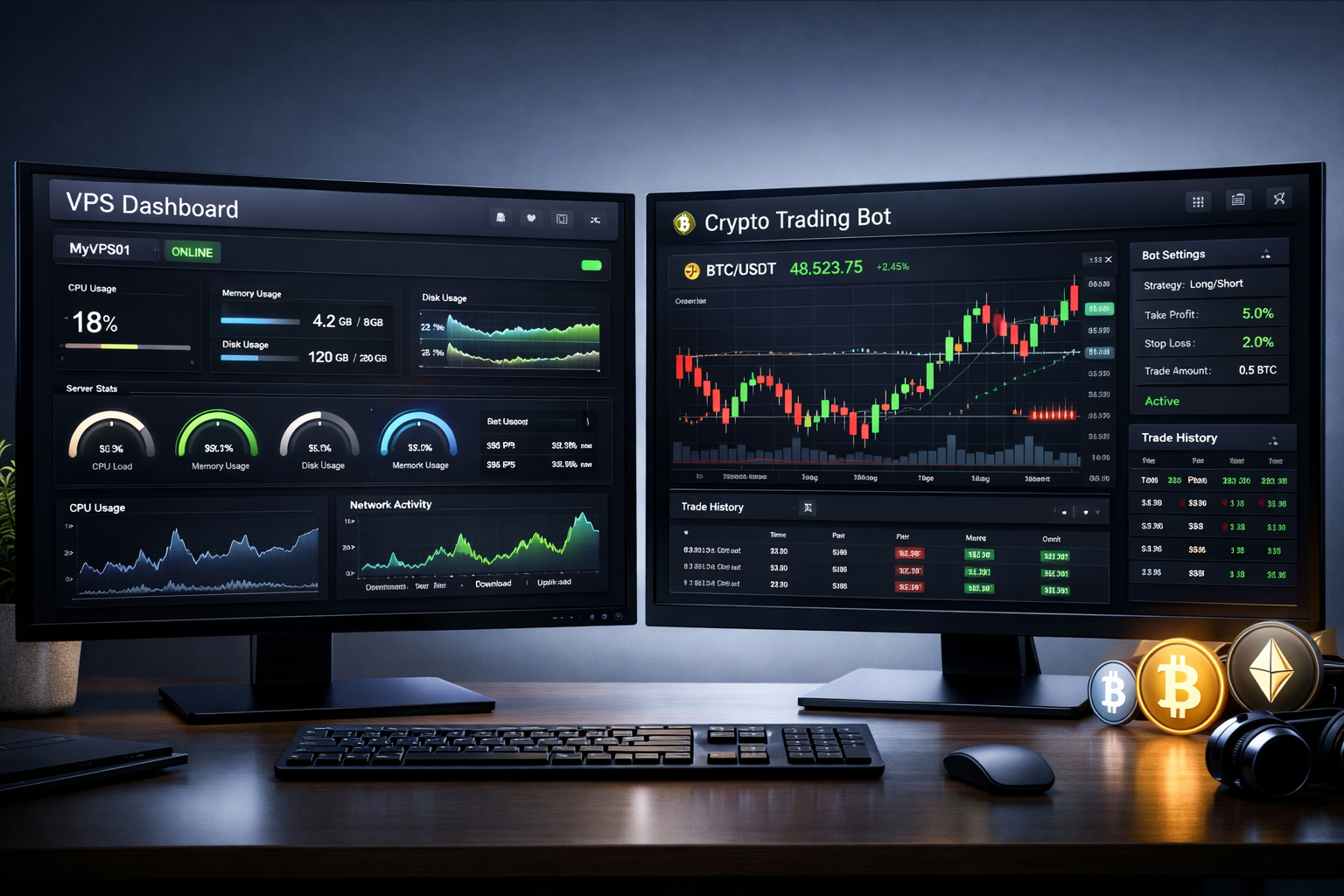
I remember the exact moment I almost lost $3,000 because my laptop decided to restart for updates at 3 AM. My trading bot was running a grid strategy on Binance Futures. When I woke up and saw the red numbers, I wanted to throw my MacBook out the window.
That was the day I stopped being lazy and finally got a VPS.
If you are trading crypto manually, maybe you don’t need one yet. But if you are running bots, copying trades, or just tired of keeping your computer on 24/7, this article is for you. Let me explain what a VPS actually is, why it matters for crypto, and exactly which one I recommend because honestly, most of the “guides” online are overcomplicating it.
What Even Is a VPS? (In Plain English)
A VPS stands for Virtual Private Server. But forget the technical jargon.
Think of it as a rented computer that lives in a data center somewhere. It runs Windows or Linux, has its own memory and CPU, and most importantly, it never sleeps. You connect to it from your laptop or phone, and it stays online even if your WiFi at home dies or your cat knocks your coffee on your laptop.
For crypto traders, this is like having a assistant that watches the markets for you without ever needing a bathroom break.
The Real Problem: Why Your Laptop is Sabotaging Your Trades
Here is what happens when you run trading software on your personal computer:
- Power outages = bot stops = missed opportunities
- Internet lag = orders execute late = worse prices
- Laptop goes to sleep = your position runs without you
- Background updates = random restarts at the worst times
I used to run my bots on an old laptop in my closet. Stupid idea. The thing overheated, the WiFi card was weak, and honestly, the stress of checking if it was still running was worse than just paying for a proper setup.
Why Crypto Traders Specifically Need a VPS
Crypto moves 24/7. Stocks have market hours. Crypto does not.
If you are running:
- Trading bots (3Commas, HaasOnline, Cryptohopper)
- Copy trading platforms
- Arbitrage scanners
- Custom Python or JavaScript scripts
…you need something that runs 24/7. Not 23/7. Not “most of the time.”
I run a DCA bot that buys dips. If it misses a dip at 4 AM because my internet blinked, that is literally money left on the table.
Real-Use Scenarios
Scenario 1: The Grid Bot My friend runs a grid bot on BTCUSDT. The bot makes hundreds of small trades daily. If his home computer restarts, the grid stops. With a VPS, it runs for months straight. He checks it from his phone while on vacation.
Scenario 2: The Algo Trader Another trader I know backtests strategies in Python. He uses a VPS because the calculations take hours. Running them locally means his main computer is frozen for work. The VPS does it in the background.
Scenario 3: The Degen Okay, this is me sometimes. I ape into new tokens on DEXs. Using a VPS with better internet speed means my transaction hits the mempool faster than others. In crypto, milliseconds matter.
The Options: VPS Providers Compared
I have tried a bunch. Here is my honest take.
Option 1: Vultr (My Recommendation for Most People)
Vultr is what I currently use. They have servers all over the world, you can deploy in minutes, and their prices are fair.
Pros:
- Servers in Tokyo, London, New York (pick the closest to your exchange)
- Starts at $2.50/month for basic plans
- Easy control panel, even for beginners
- Good uptime (I have had 99.9% over two years)
Cons:
- You need basic computer skills to set it up
- Support is fine but not amazing
Option 2: AWS (Amazon Web Services)
The giant. Everyone knows AWS.
Pros:
- Free tier for 12 months (good for testing)
- Incredible reliability
- Enterprise-level security
Cons:
- Honestly, it is confusing for beginners
- Pricing is complicated. You might get a surprise bill if you don’t understand their system
- Overkill for running one trading bot
Option 3: DigitalOcean
Very similar to Vultr. Also a solid choice.
Pros:
- Great tutorials (if you need help learning Linux)
- Reliable
- Good community support
Cons:
- Slightly more expensive than Vultr for similar specs
- Their smallest plan is $4/month, no $2.50 option
Option 4: Contabo (Budget King)
If you are cheap, look here.
Pros:
- Way more resources for the money
- Good for running heavy stuff like machine learning
Cons:
- Performance can be inconsistent
- Support is slower
- Not ideal for latency-sensitive trading
Comparison Table
| Provider | Starting Price | Ease of Use | Best For | My Rating |
|---|---|---|---|---|
| Vultr | $2.50/month | Easy | Most crypto traders | ⭐⭐⭐⭐⭐ |
| DigitalOcean | $4/month | Easy | Beginners who need tutorials | ⭐⭐⭐⭐ |
| AWS | Free tier | Hard | Advanced users who need scale | ⭐⭐⭐ |
| Contabo | ~$6/month | Medium | Budget users with heavy needs | ⭐⭐⭐ |
Beginner-Friendly Setup Guide (Vultr Edition)
Let me walk you through exactly what I did. This takes 10 minutes.
Step 1: Sign up at Vultr.com Put in your email and payment info. They accept crypto? I think? I just used a card.
Step 2: Deploy a new server Click “Deploy Server.” Choose “Cloud Compute.” Pick a location close to your exchange (if you use Binance, Singapore or Tokyo. If Coinbase, New York or London).
Step 3: Choose your OS Pick Ubuntu 22.04 (it is Linux but don’t be scared, we barely touch it).
Step 4: Server size Pick the $6 plan. Yes, the $2.50 exists but it has 1GB RAM which is tight. Spend the extra $3.50, your bots will thank you.
Step 5: Deploy Click deploy. Wait 60 seconds.
Step 6: Connect
Download PuTTY if on Windows, or just open Terminal on Mac. Copy the IP address and password from Vultr. Type:
ssh root@your-server-ip
Step 7: Update
Run these two commands:
apt update
apt upgrade -y
Step 8: Install a desktop (optional)
If you want a screen you can see, install a lightweight desktop:
apt install xfce4 xrdp -y
Now you can connect via Remote Desktop like a normal computer.
Step 9: Install your trading stuff Download your bot, log into your exchange API, and let it run.
The Best Option for Beginners
Vultr. Full stop.
Why? Because it is simple. You do not need to be a sysadmin. You pay a few bucks, you get a server, and it works. DigitalOcean is also fine, but Vultr’s $2.50 entry point lets you test without commitment. Start there, upgrade later if needed.
The Best Option for Advanced Users
AWS. But only if you know what you are doing.
If you are running complex infrastructure, multiple bots, databases, or need auto-scaling, AWS is the real deal. Just be careful with billing. Set up budget alerts. I have a friend who forgot to turn off an expensive instance and paid $200 for nothing. Don’t be that guy.
My Final Opinionated Take
Look, you don’t need a VPS if you are just buying and holding Bitcoin on an exchange. But if you are trading actively, using bots, or trying to automate anything, get one.
The peace of mind alone is worth the $5/month.
I sleep better knowing my bot is running in some data center in New Jersey with backup generators and enterprise internet. My laptop at home? It can restart for updates all it wants. I don’t care anymore.
And honestly, setting up a VPS made me feel like a hacker for the first time. That feeling of typing commands into a black screen and making a computer on the other side of the world do things? Kinda cool.
So yeah. Go get a VPS. Your future self, waking up to green numbers instead of red ones, will thank you.